
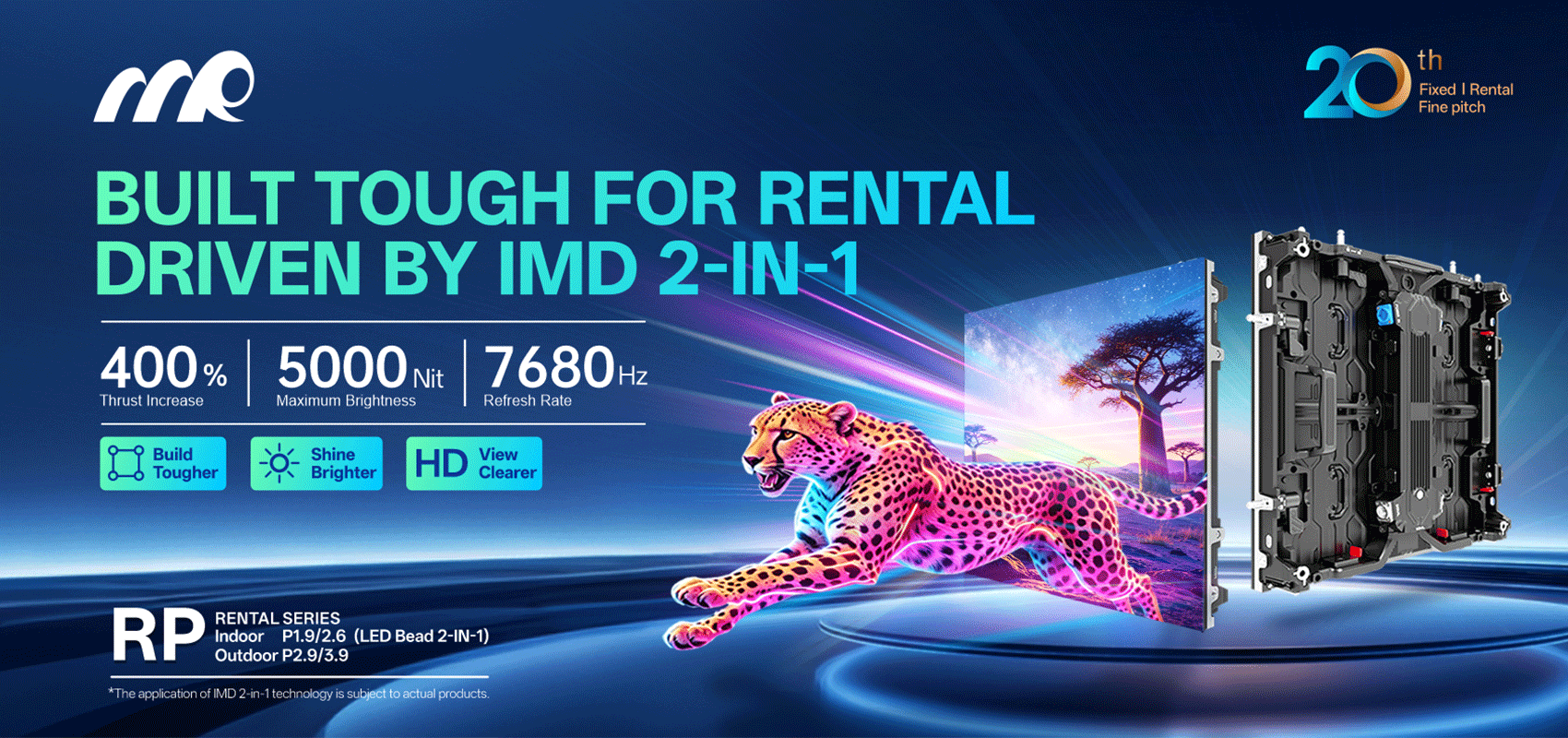
When a custom video board starts showing blotchy color or uneven brightness, it kills the moment — whether you’re staging a festival or renting screens for a corporate launch. The problem shows up in rental LED display setups as visible bands, washed-out tones, or panels that never quite match. For many event teams a digital screen rental seems like a fast answer, but without attention to optical uniformity the show still suffers.
Why optical uniformity fails
Optical uniformity is about two things: chromaticity (color consistency) and luminance (brightness consistency). Small manufacturing tolerances across LED modules, inconsistent power distribution, and aging phosphors lead to visible drift. Add varying viewing angles and mismatched gamma curves, and the result is obvious: parts of the board look warmer or dimmer than others. Real-world anchor: look at Times Square billboards — they undergo regular color calibration because viewers notice tiny mismatches from a distance, and that visibility is the same problem on event rigs.
Practical field fixes that actually work
Start with a disciplined calibration routine. Run a uniformity map to find hot and cold zones, then adjust per-module drive current and gamma presets. Use a handheld colorimeter for spot checks and a software LUT (look-up table) to align chromaticity across panels. Power distribution matters — voltage drop across long runs can lower luminance at the far end, so shorten runs or boost local power. Firmware updates sometimes include better refresh handling, which reduces flicker and perceived luminance drift. Pixel mapping and consistent pixel pitch selection prevent aliasing between modules.
Simple checklist for on-site teams
Before curtain-up, run this quick pass: confirm firmware parity across driver cards; perform an all-white and all-black test to expose dead pixels and brightness falloff; verify color temperature against a reference (6500K is common for video); and balance the front-end scaler settings so each input feeds the same gamma curve. Calibration can be fiddly — but it’s the difference between a sloppy-looking screen and a professional one.
Common mistakes that waste time and money
Skipping per-module calibration, assuming identical panels are plug-and-play, and underpowering long runs are the biggest culprits. Another frequent error is relying solely on visual checks under stage lights instead of measured readings — human eyes adapt and hide issues until you change lighting. Teams also underestimate thermal effects: modules warm up and shift color over the first 30–60 minutes, so calibrate after warm-up where possible.
Alternatives, trade-offs, and when to rent
Buying a permanent install gives tighter control over uniformity because you can specify matched modules, dedicated power rails, and onsite service. Renting offers speed and flexibility; reputable rental LED display suppliers deliver pre-tested modules and field techs who can do a rapid uniformity pass. For one-off events, digital screen rental is often the sensible choice — you get trained technicians, backup modules, and test equipment without the capital hit. Expect slightly looser tolerances than a custom permanent install, but a good rental partner narrows that gap.
Advisory — three critical metrics to vet every job
1) ΔE (color difference): aim for ΔE under 3 across the assembled face for visually consistent color. 2) Luminance uniformity: target less than 10% variance from brightest to dimmest area after warm-up. 3) Power and thermal stability: verify driver temperature rise and supply voltage drop so luminance doesn’t shift over an event. Use these as non-negotiables when evaluating suppliers or accepting a screen on-site.
Field-tested recommendations and a small calibration workflow will spare last-minute panic. Summary: measure, balance, and bake in warm-up time; choose modules and power runs with uniformity in mind; and if you rent, pick partners who bring test gear and proven processes.
MR LED has the on-ground experience to make those fixes routine — the result is consistent color and steady brightness, every show. –